API
Project API
Access analytics, manage members and invites, and configure settings for a single project.
Getting started
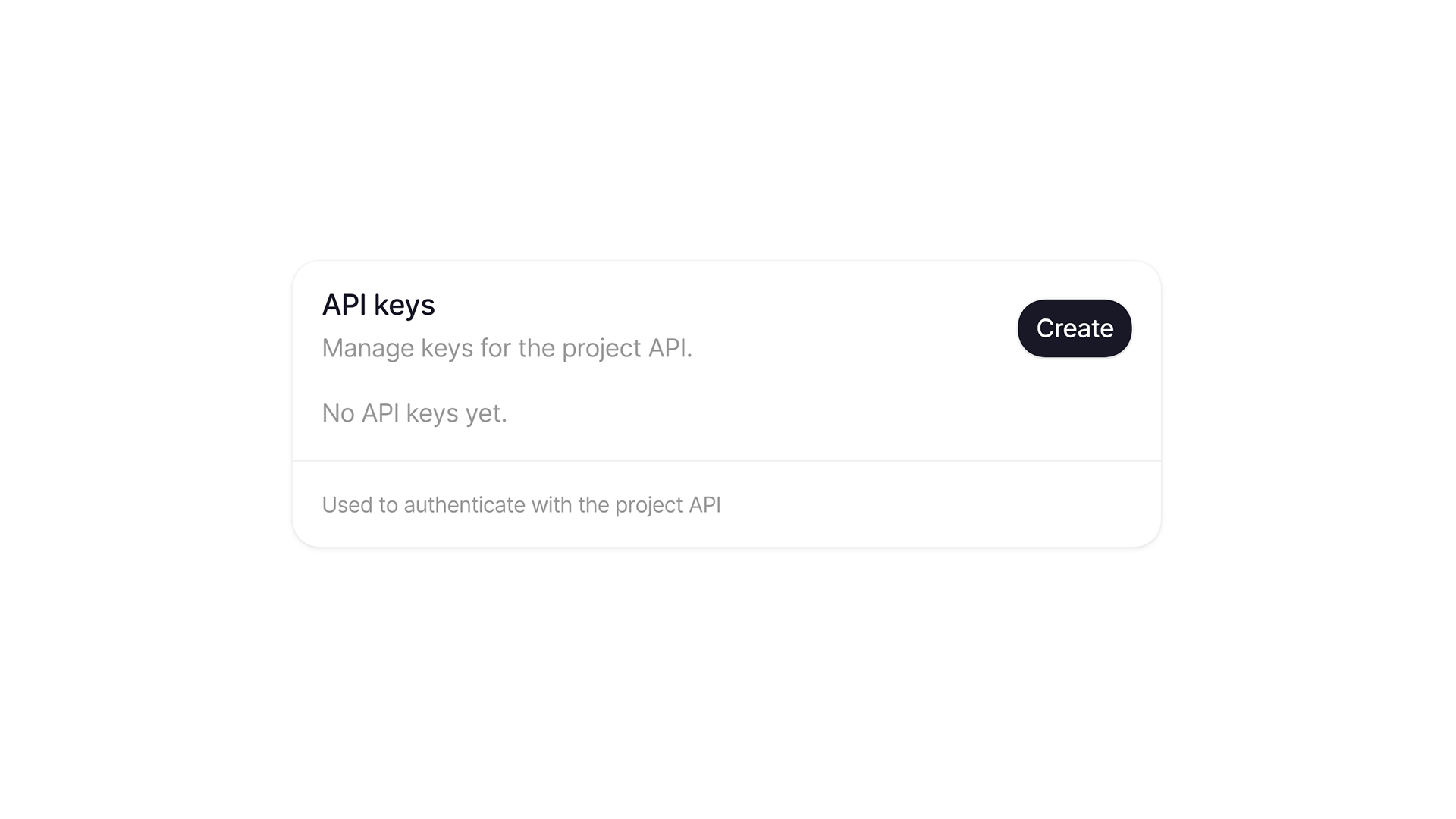
In order to use the project API, you'll first need to create a new project API key.
- Head to your Project Settings.
- Navigate to API.
- Hit Create.
- Copy your new key (
vk_...)
Once you have your token, you'll need to pass it as a Bearer header when you make requests. You'll see an examples of how to do this in our documentation.