Subdomain tracking
By default your project will only accept events from the domain you've verified, and if it's a
root domain, it will automatically allow the www. version.
Subdomain tracking allows you to track visitors across subdomains by configuring your project's allowed hostnames. This is useful if you have a single project that serves multiple subdomains, for example a marketing site and a dashboard.
Add your script to each subdomain
In order to track visitors across subdomains, you need to add the script tag to each subdomain. For example, if your domain is example.com, and you also wish to track app.example.com you need to add the same script tag to both of them.
YOUR_TOKEN with your project token.<script
src="https://cdn.visitors.now/v.js"
data-token="YOUR_TOKEN">
</script>By default, this will work anywhere, but it will only track events from hostnames you've configured. No need to change a thing.
Configure allowed hostnames
Head to your project's security settings and configure the allowed hostnames.
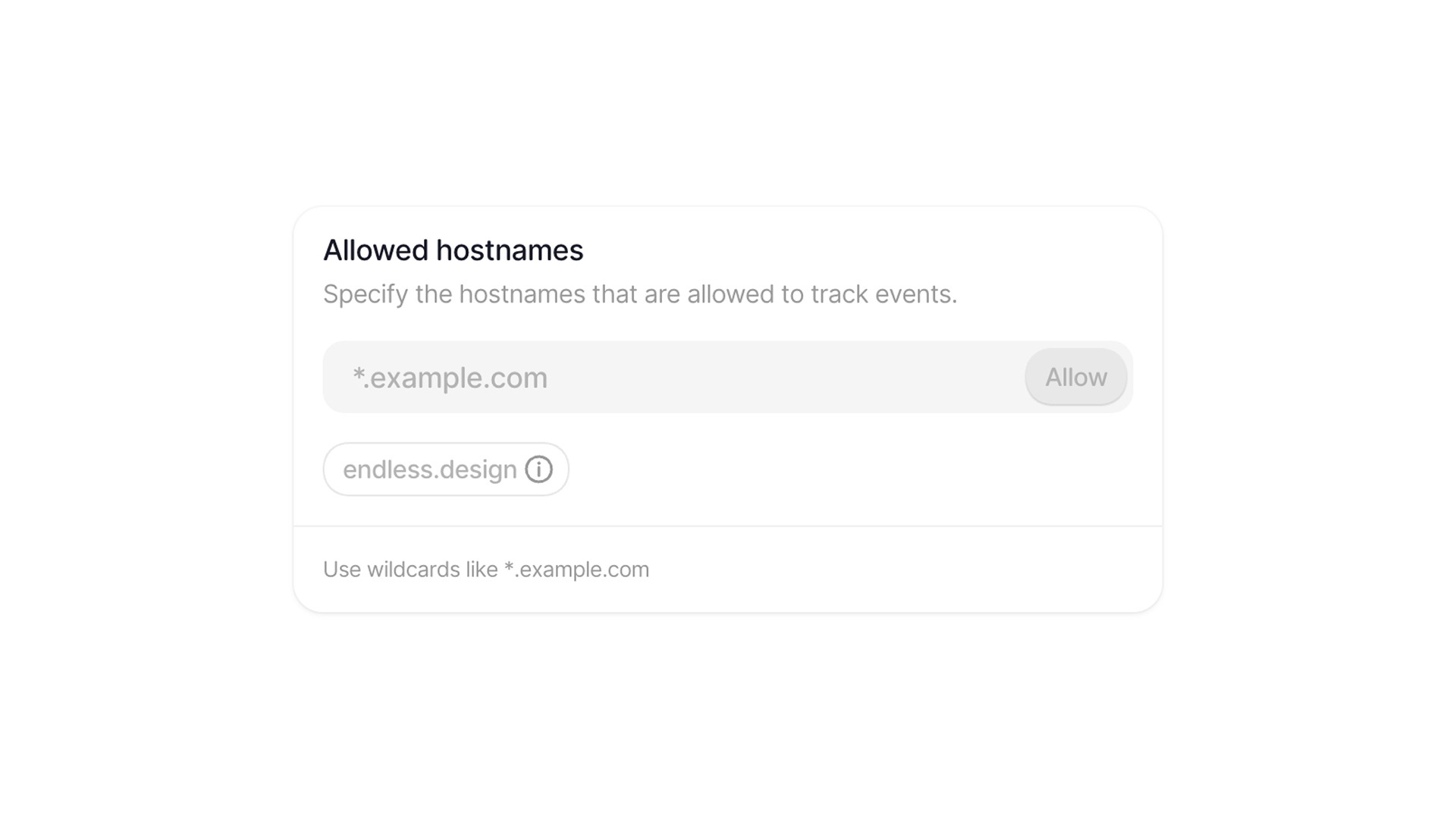
You can add any hostname you like, and you can even use wildcards to allow multiple or all subdomains of a given domain.
*.example.com- All subdomains ofexample.comapp.example.com- Onlyapp.example.com
If you are using a root domain for your project, the www. version will be automatically allowed—no extra configuration needed.